Set up Apple Watch sharing
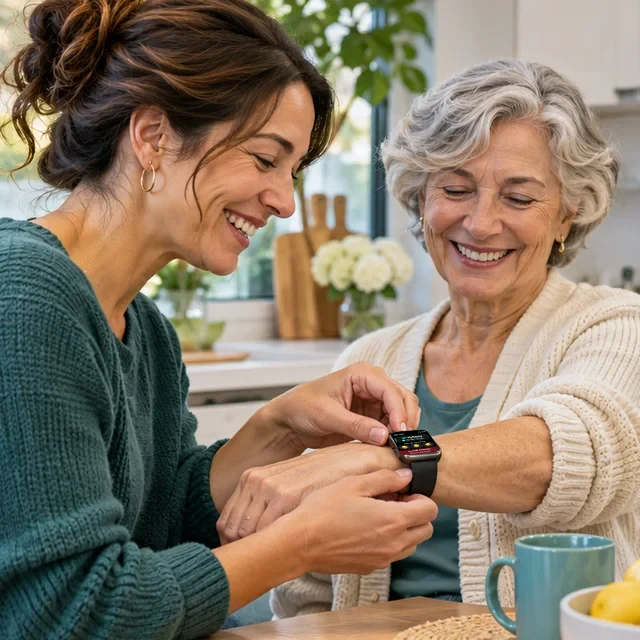
Set up VytaLog on both iPhones and your loved one’s Apple Watch. They approve sharing, and readings appear on your iPhone after they sync.
For families, caregivers, and care teams
On your iPhone, see the readings your loved one chooses to share, including heart rate at rest and while walking, heart rate variability, breathing rate, blood oxygen, and wrist temperature changes. Review sleep, activity, and walking trends, plus Apple Watch ECG records and AFib History data when available. VytaLog can also alert you when the watch detects a possible fall.
Requires an Apple Watch and iPhone for the person sharing readings, and an iPhone for each caregiver.
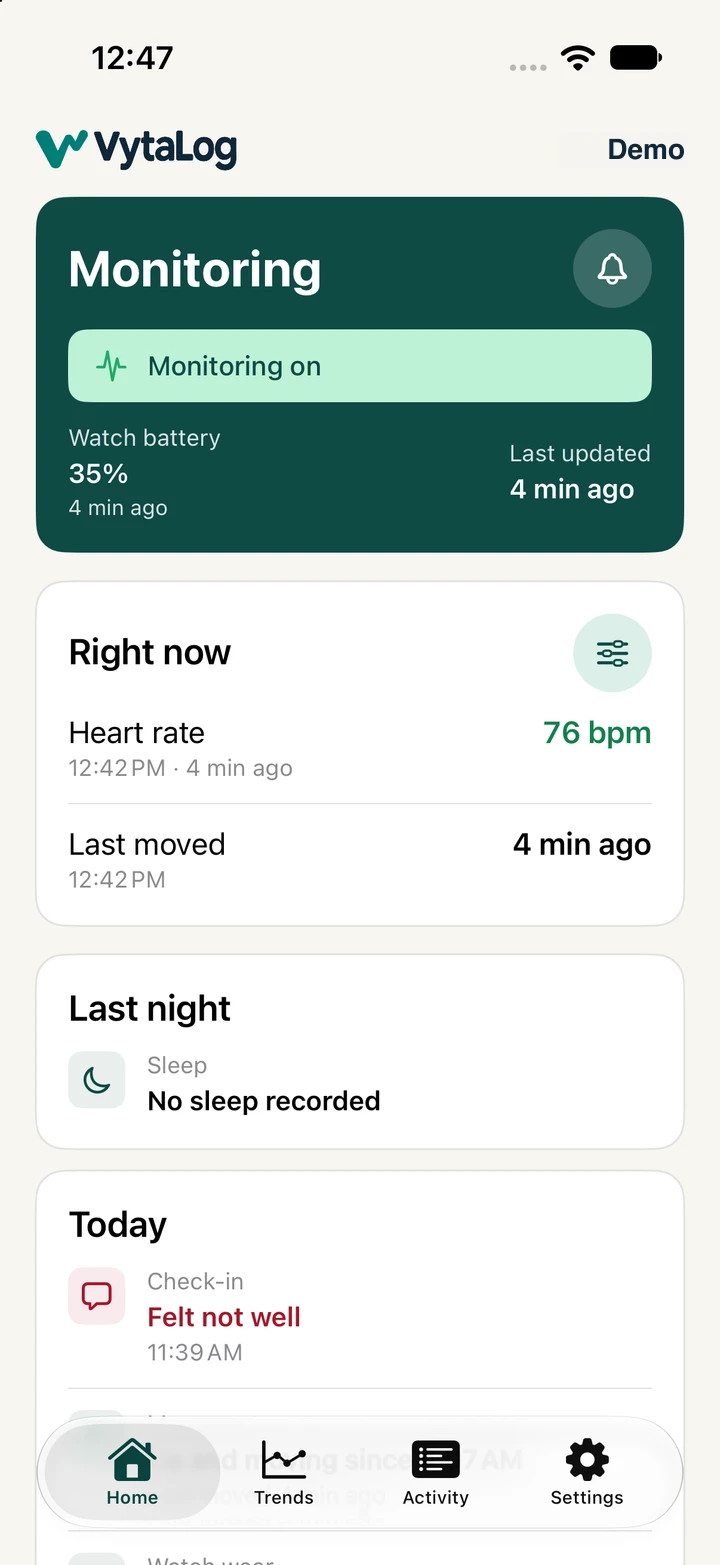
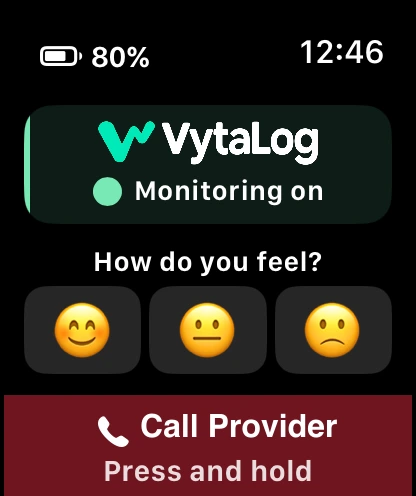
Set up VytaLog on both iPhones and your loved one’s Apple Watch. They approve sharing, and readings appear on your iPhone after they sync.
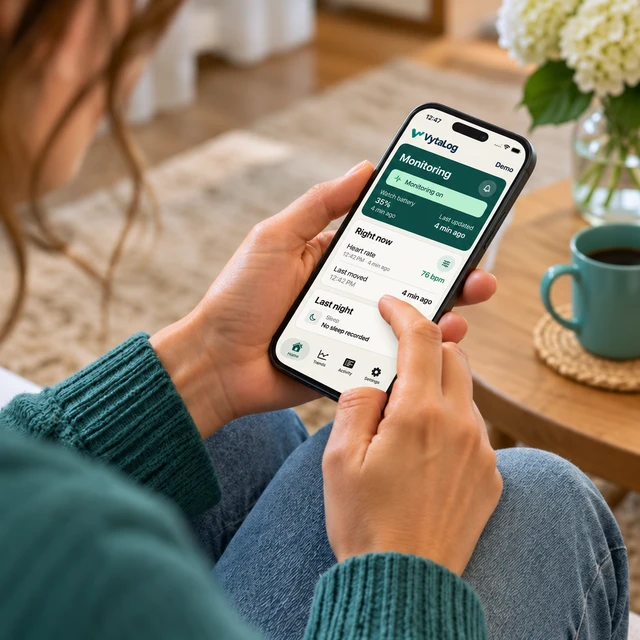
See shared heart rate, sleep, and activity trends. Your loved one can also tell you how they feel with an optional daily watch check-in.

VytaLog can notify you when a shared reading falls outside your care team’s wellness range. Open the app for details.
Lock-screen alerts keep details private. Readings and alerts can be delayed or unavailable.
VytaLog is for general wellness and everyday check-ins. It does not diagnose conditions, guide treatment, or contact emergency services. In a U.S. emergency, call 911.
Keep up with a parent, partner, or other loved one’s day, even when you live apart. See the readings they choose to share and use them to guide your next check-in.
See family pricing
Review a client’s shared vitals, sleep, and activity between visits. Use recent readings and alerts to decide what to ask about at your next check-in.
Ask about VytaLog for caregiversGive caregivers a way to review health information clients choose to share. Home care agencies and other providers can use those readings to inform routine follow-ups. Team administration and caregiver handoffs are not currently offered.
Ask about VytaLog for your organizationVytaLog started because we wanted a quiet, respectful way to keep up with my mother-in-law’s everyday wellness between visits—without hovering or constant phone calls.
Read our story →Pay monthly for each loved one whose health you follow with VytaLog.
$10/month per person whose readings you follow.
VytaLog is for families checking in on loved ones, professional caregivers supporting clients, and care organizations looking to use shared health readings in routine follow-ups.
The person sharing readings needs an Apple Watch paired with their iPhone. Each caregiver reviewing them needs an iPhone.
Download VytaLog from the App Store on your iPhone.
Your parent needs an iPhone and Apple Watch. Help them set up VytaLog on both devices, then install it on your own iPhone. Your parent approves sharing, and you can check the daily view once readings sync. Supported models and OS versions will be listed at launch.
You may see older readings or gaps while new readings are unavailable. When sharing and syncing resume, check the time of the last shared reading.
A shared reading outside the wellness range your care team sets can trigger a notice. Readings and notices can be delayed or unavailable. Lock-screen previews are generic. Open VytaLog to see the details.
When the Apple Watch detects a possible fall, it asks the wearer “Are you OK?” If they tap “I’m OK,” nothing is sent. If they don’t respond, VytaLog texts and calls their caregivers, with the watch’s location when available, until someone acknowledges the alert. If they tell the watch they fell, caregivers get a notification. Fall alerts can be delayed or unavailable, and VytaLog does not contact emergency services. In an emergency, call 911.
The wearer approves caregiver access and can pause sharing or revoke access at any time. Contact Support for help adding a sibling or caregiver.
Only caregivers the wearer authorizes can see the readings they choose to share. The wearer can pause sharing or revoke a caregiver’s access at any time.
Read the Privacy Policy